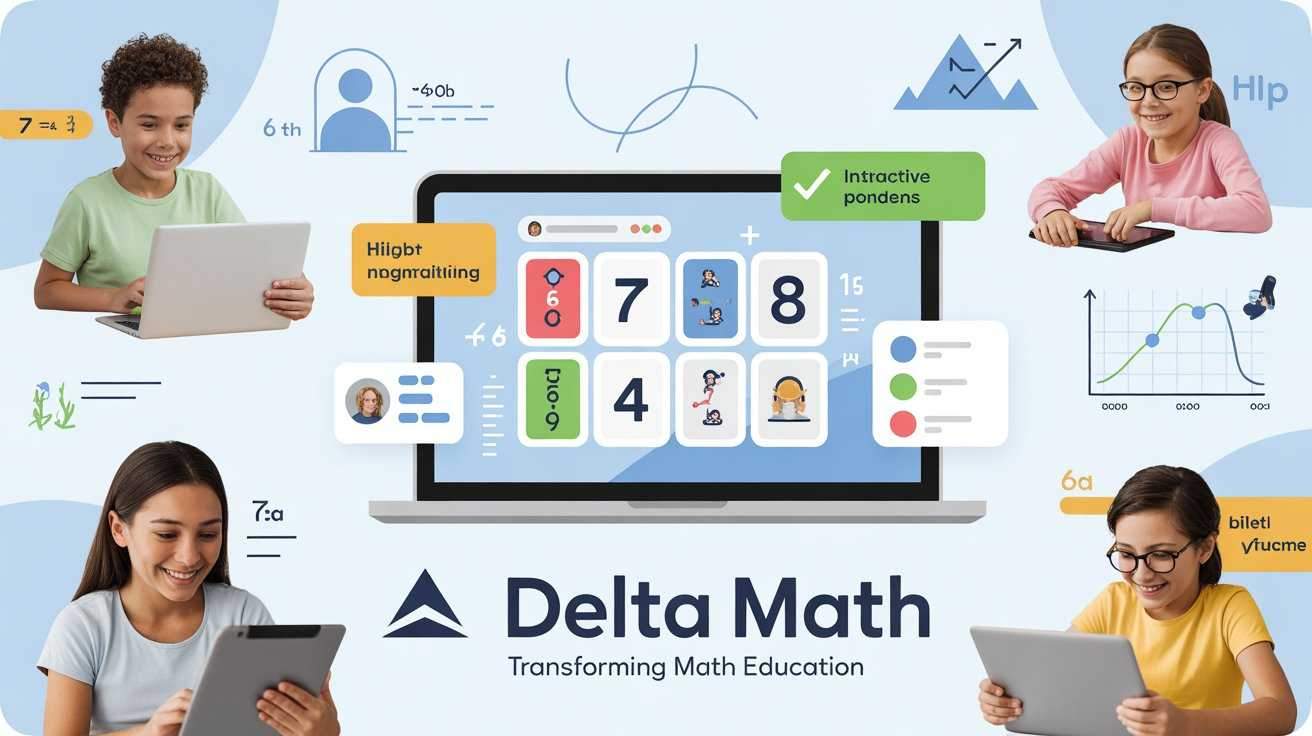
Unlocking DeltaMath: The Complete Guide for Students and Teachers
If you are a middle school or high school student in the United States, you have likely encountered a bright blue website that demands you solve math problems before the timer runs out. If you are a teacher, you have probably used it to save hours of grading time.
DeltaMath has become a staple in American math classrooms. But despite its popularity, many users only scratch the surface of what the platform offers. Students rush to find a “delta math solver” to get through assignments, while teachers may not realize the full extent of the administrative tools available.
This guide covers everything from the origin of the platform to practical, day-to-day usage. We will explore how to use the DeltaMath graphing calculator, what the delta symbol actually means in mathematics, and how the platform functions for both sides of the classroom.
The Origin Story: Who Created DeltaMath?
To understand why DeltaMath works the way it does, it helps to know where it came from. Unlike massive educational corporations that build software by committee, DeltaMath started with a single individual trying to solve a real-world problem.
The platform was created by Zach Korzyk, a math teacher at Edgemont High School in Scarsdale, New York. He began developing the tool in 2009 because he faced a common teacher dilemma: he wanted his students to practice math problems and receive immediate feedback, but he didn’t have enough hours in the day to grade every single assignment by hand.
Korzyk initially built the site to automatically grade his students’ work, freeing him up to focus on lesson planning and one-on-one instruction. What started as a personal classroom tool quickly spread by word of mouth. By the mid-2010s, DeltaMath had expanded to include thousands of problem types and became a free resource used by schools across the country.
Today, DeltaMath remains independently owned and operated by its founder, distinguishing it from many other ed-tech platforms that have been acquired by larger corporations.
What Exactly Is DeltaMath?
At its core, DeltaMath is an online platform that provides mathematics practice problems for students ranging from middle school through Advanced Placement (AP) level calculus.
The platform is unique because it is teacher-driven. Students cannot simply sign up and start learning on a predetermined path. Instead, a teacher must create a class and assign specific skill sets. When a student completes a DeltaMath login, they see only the assignments their teacher has created for them.
The platform covers a vast array of topics, including:
- Algebra (Linear Equations, Systems, Quadratics)
- Geometry (Proofs, Constructions, Transformations)
- Trigonometry
- Calculus (Derivatives, Integrals)
- Statistics
The DeltaMath Experience for Students
If you are a student performing a delta math student login for the first time, the interface can seem a bit sparse. It is intentionally minimalist. There are no distracting animations, leaderboards, or virtual currencies. The focus is purely on solving problems.
How Assignments Work
When you log in, you will see a list of assignments posted by your teacher. Each assignment has a due date and a specific number of problems.
Unlike a traditional worksheet, DeltaMath is adaptive in its feedback. If you get a problem wrong, the platform immediately tells you. Most problem types also offer a “Show Example” button. Clicking this provides a step-by-step breakdown of how to solve a similar problem, which is a powerful learning tool that many students overlook.
The Built-In Tools
Depending on the assignment, you will have access to specific tools.
- The DeltaMath Graphing Calculator: This is not a generic calculator. It is a context-aware tool. If your teacher assigns problems involving plotting points or linear equations, a basic graphing utility will appear. For higher-level math, you might see a scientific calculator or a stats calculator built directly into the problem window.
- The Stats Calculator: For classes covering data analysis, the DeltaMath stats calculator allows you to input data sets and quickly calculate mean, median, standard deviation, and more.
A Note on “Delta Math Answers”
A quick internet search reveals countless websites and videos promising “delta math answers” or “delta math cheats.” It is important to understand that while these shortcuts exist, they undermine the purpose of the platform.
DeltaMath is designed to help you master skills through repetition. Because the platform generates new numbers every time you regenerate a problem, finding an answer key for one specific problem is useless for the next. The only sustainable way to succeed is to learn the underlying concept. Furthermore, teachers receive detailed reports on student performance; a sudden, perfect score on a difficult topic followed by a failing grade on a test is a red flag that is easily spotted.
The DeltaMath Experience for Teachers
For educators, DeltaMath is a robust management system. When you perform a delta math sign in as a teacher, you enter a dashboard that allows you to manage your courses.
Creating Assignments
Teachers can browse a library of over 1,500 skill types. When creating an assignment, you have fine-tuned control:
- Time Limits: You can set a timer for each problem to encourage fluency.
- Late Credit: You can decide whether submissions after the due date receive full credit, partial credit, or no credit. (The message “no late credit mean on delta math” simply means the assignment is closed for full marks).
- Multiple Choice vs. Free Response: You can control the format of the answers.
- Special Features: You can enable features like “graphical to answer” for geometry problems where students plot points directly on a grid.
The Power of “Test Corrections”
One of the most lauded features by teachers is the “Test Corrections” or “Practice” mode. A teacher can allow students to redo specific types of problems for partial credit after a test. This encourages mastery learning, where the goal is not just to pass a test on Friday but to actually understand the material by Monday.
The Mathematical Symbol: What Does Delta Mean?
The name “DeltaMath” is a clever play on words, combining the mathematical concept of change with the founder’s last initial. But what does the delta symbol actually mean in math?
The Delta symbol (Δ) is the fourth letter of the Greek alphabet. In mathematics and science, it is used primarily to denote a change or difference in a variable.
- Slope Formula: You likely remember the formula for slope: slope=runrise. This is often written using delta notation as m=ΔxΔy, which means “the change in y divided by the change in x.”
- Quadratic Equations: In the quadratic formula, the expression under the square root sign (b2−4ac) is called the “discriminant.” It is often represented by a capital delta (Δ). The value of this delta tells you how many solutions the equation has.
- Higher Math: In calculus, delta is used to represent a small change in a value, which is foundational for understanding derivatives.
So, when you use DeltaMath, you are literally practicing the “change in math”—moving from not knowing a concept to mastering it.
Navigating Common Login and Access Issues
Because most access occurs during the school day, login issues are usually straightforward to fix.
Student Login Process
- Go to the official DeltaMath website.
- Click the “Student” button.
- Enter your Teacher Code. This is a unique code your teacher must provide. Without it, you cannot join a class.
- Select your name from the list (if your teacher pre-loaded the roster) or create a new account using your email or a Google account.
Troubleshooting Tips
- Forgot Password: Use the “Forgot Password” link on the login page. If you signed up with Google, you must continue using Google to sign in.
- Can’t Find Your Teacher: Ensure you have the correct Teacher Code. Codes are case-sensitive and specific to each teacher’s account, not the school.
- Browser Issues: DeltaMath works best on updated versions of Chrome or Firefox. If the graphing calculator isn’t loading, try clearing your browser cache.
How to Master Difficult Problems
When you are stuck on a problem, it is tempting to search for a “delta math solver.” However, the platform itself contains the tools you need to succeed.
- Use the “Show Example” Feature: This is your primary learning tool. It walks you through a problem with different numbers. Follow the logic, then apply that same logic to your own problem.
- Enable “Enhanced Format”: When typing answers, especially fractions, you can use the “Enhanced Format” button to see a visual representation of what you are typing. This is crucial for complex expressions. If you are wondering “how to make a fraction on delta math,” the answer is usually to use the forward slash (/) or the enhanced format tool to create a stacked fraction.
- Practice Similar Problems: If an assignment allows it, you can often generate a new version of the problem you are stuck on. Keep generating and practicing with the “Show Example” guide until you no longer need it.
Is DeltaMath Free?
This is one of the most common questions, and the answer is a major reason for the platform’s widespread adoption.
DeltaMath is completely free for students.
For teachers, the vast majority of the functionality is also free. There is a paid “Plus” membership available for teachers (usually funded by schools or districts) that unlocks additional features, such as:
- Creating summative tests.
- Access to more detailed, printable reports.
- The ability to upload videos and notes.
However, the core functionality of creating assignments, auto-grading, and providing student feedback remains free, ensuring equitable access for schools with limited budgets.
Final Thoughts: Why DeltaMath Works
DeltaMath has endured in the competitive ed-tech space for a simple reason: it respects the time of its users. It saves teachers from the drudgery of grading repetitive homework, and it forces students to engage actively with material rather than passively consuming it.
While the search for “delta math hacks” or answer keys will likely continue as long as students have homework, the true value of the platform lies in its immediate feedback loop. It turns mistakes into learning opportunities instantly, which is something a traditional worksheet can never do.
Whether you are a student trying to figure out how to make a fraction on an iPad, or a teacher setting up your first class, understanding how the platform works is the first step toward making the most of this powerful educational tool.
5 Frequently Asked Questions
1. What does “no late credit” mean on Delta Math?
This message indicates that the due date for an assignment has passed, and your teacher has configured the settings so that no points will be awarded for problems completed after that deadline.
2. How do I make a fraction on Delta Math using an iPad?
You can type a fraction by using the forward slash key (e.g., 1/2). Alternatively, if your teacher has enabled “Enhanced Format,” you can use the fraction template button to create a visually stacked fraction.
3. Is Delta Math really free?
Yes, DeltaMath is completely free for all students. Teachers can use the base platform for free, with an optional paid “Plus” membership for advanced features like test creation and detailed reporting.
4. Who invented Delta Math?
DeltaMath was invented by Zach Korzyk, a high school math teacher in New York. He created the platform in 2009 to automate the grading of his students’ homework.
5. What does the delta symbol (Δ) mean in math?
In math, the capital delta symbol (Δ) typically means “change” or “the difference in.” For example, in the slope formula, Δy/Δx represents the change in y divided by the change in x.